
AI Editor RSP Editing AI Photo Editing Generator
Generate RSP-style AI photo edits from a prompt or reference image, then use copy-ready ChatGPT and Gemini prompts, CapCut timing plans, Lightroom recipes, VN notes, and background ideas to polish the result.
Free prompt planning first. Sign in only when you are ready to generate, save, or download.

Build Copy-Ready RSP Editing Prompts
Choose a trend, tool, subject, and format. The builder turns it into a reusable photo editing prompt, preset recipe, or video edit brief.
Generated prompt
Use the uploaded image as the exact reference. Keep the same identity, facial features, hairstyle, skin tone, and outfit details unless a change is requested.

Create a aesthetic profile dp for Solo boy.

Visual direction: circular profile picture, sharp face focus, neon rim light, clean background typography, premium social media DP look.

Aspect ratio: 4:5 Instagram post.

Do not add random names, fake logos, signatures, watermarks, or unreadable text.

Quality rules: ultra-realistic detail, natural skin texture, clean edges, professional color grade, no face change, no extra fingers, no watermark, no distorted text, no random background objects.

Extra direction: keep the edit realistic, polished, and ready for Instagram, YouTube Shorts, or WhatsApp status.
RSP Editing AI Ideas You Can Generate
Use the gallery as a style reference, then create a prompt, generate an image, and refine the edit with preset or mobile-editor notes.
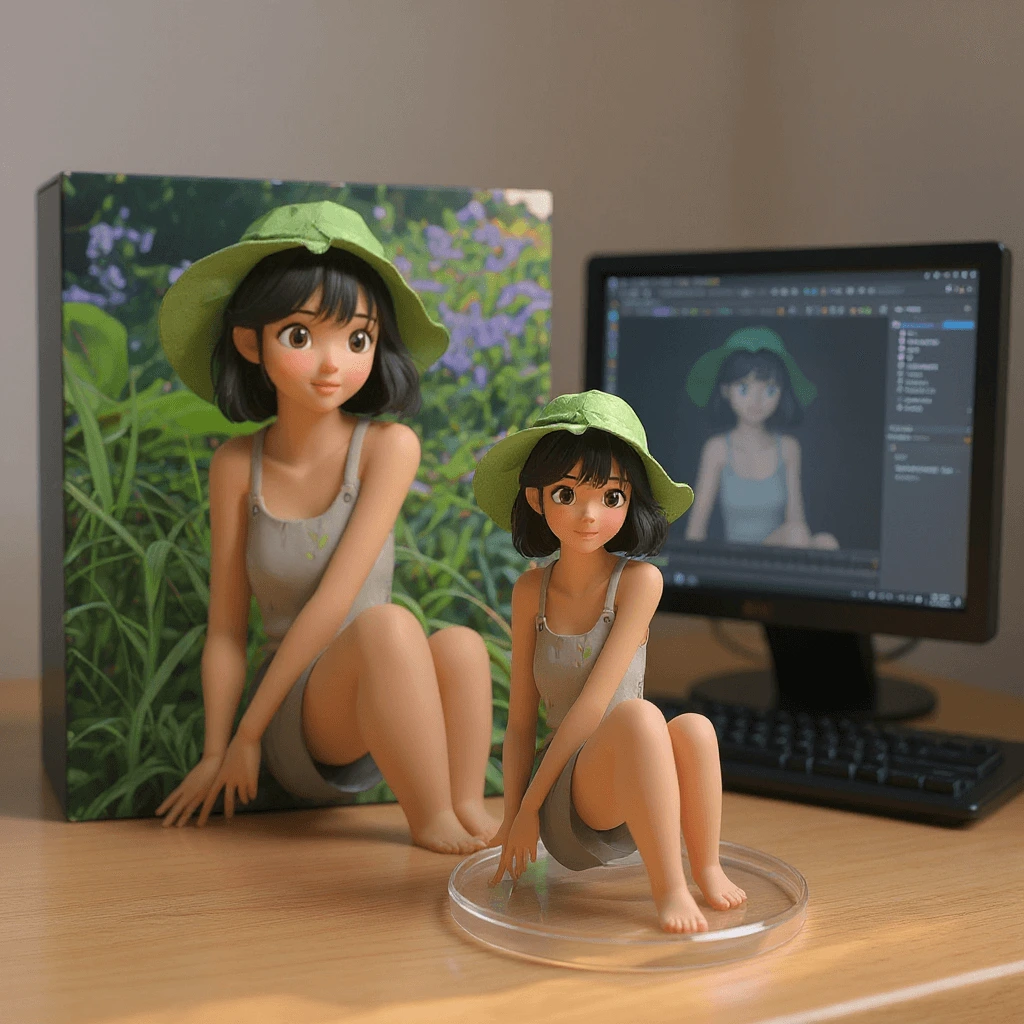
Image to Video Pipeline
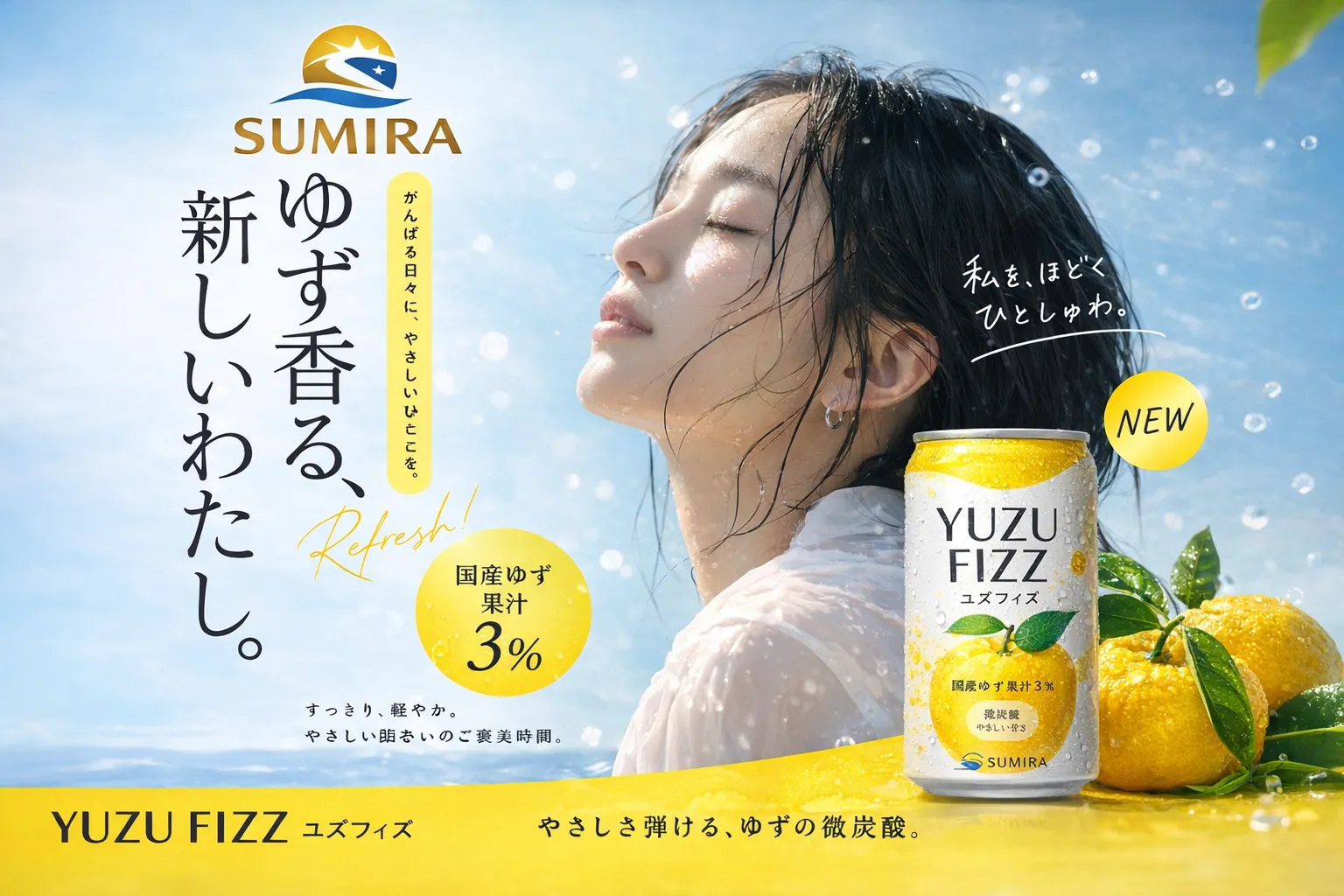
Campaign-ready Product Advertisement
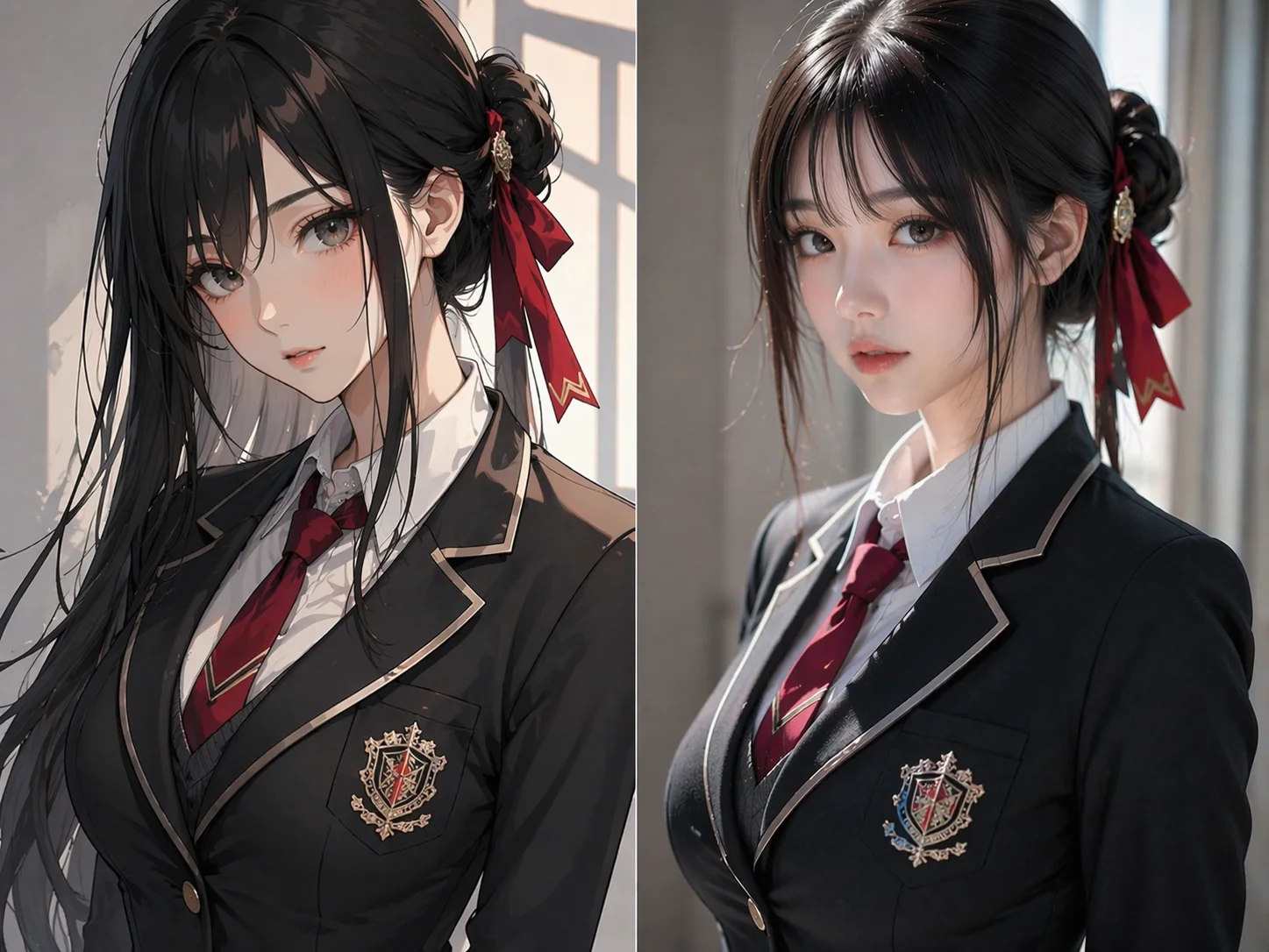
Character Realization
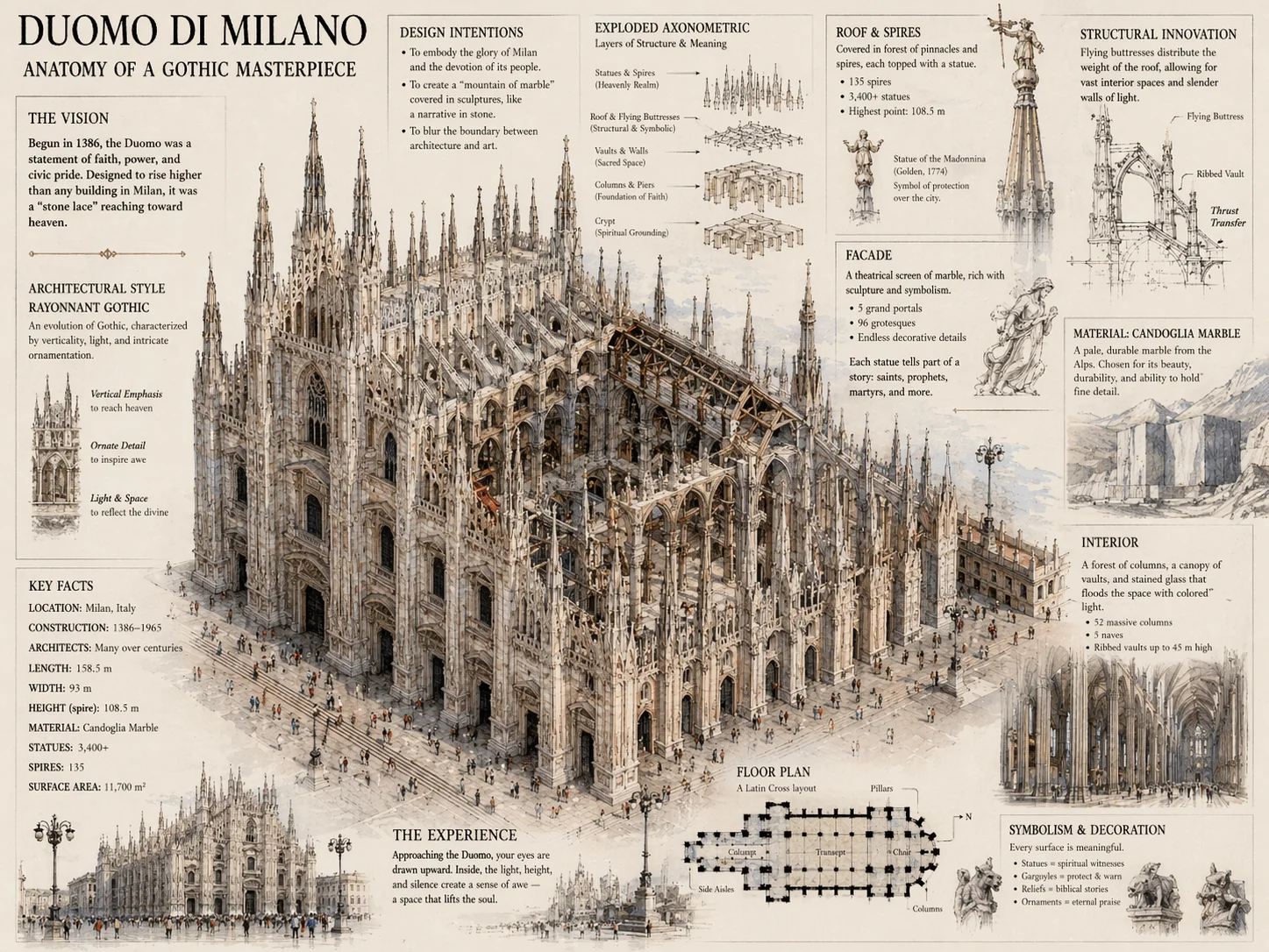
Complex Infographic Generation
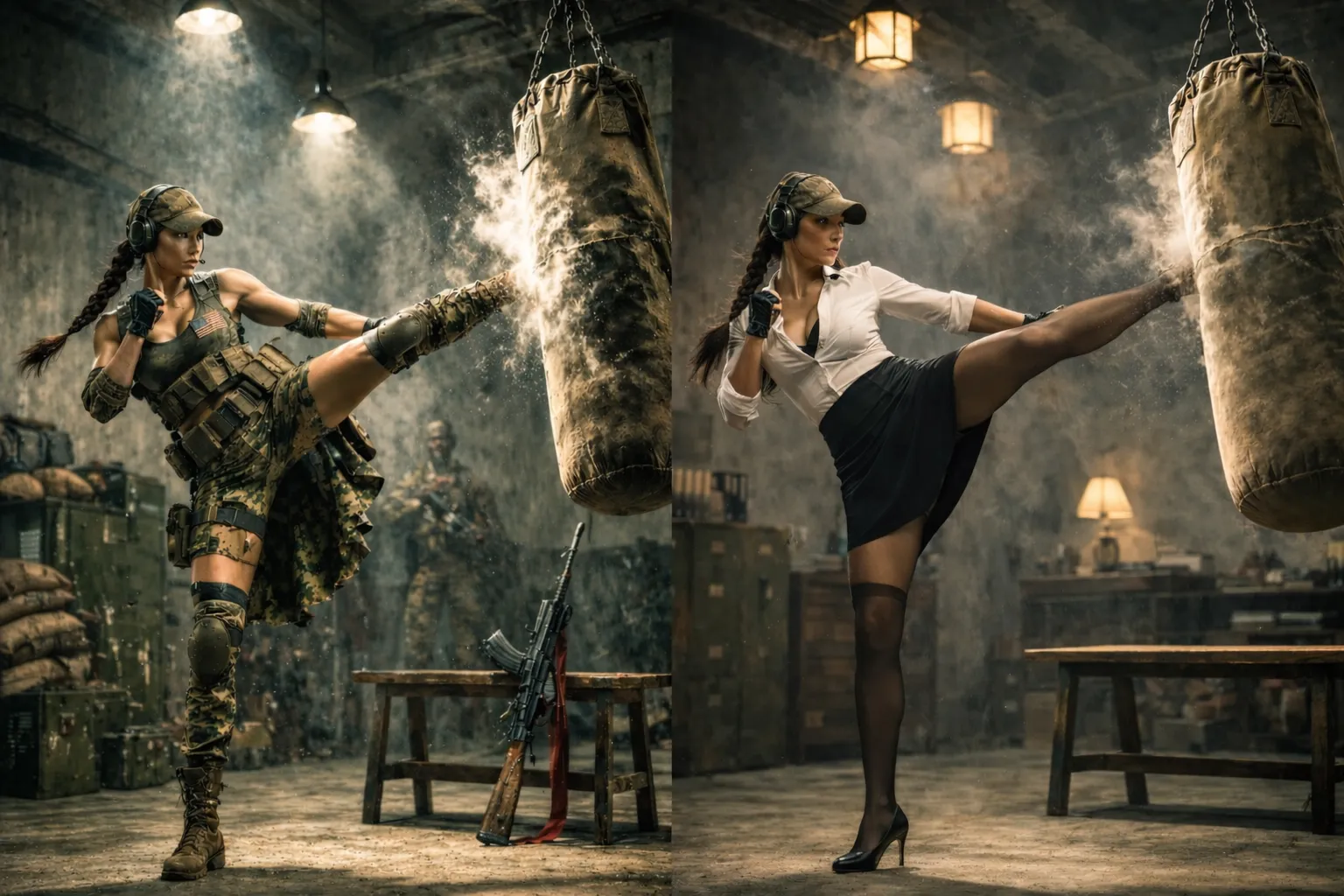
Style Fusion and Recomposition
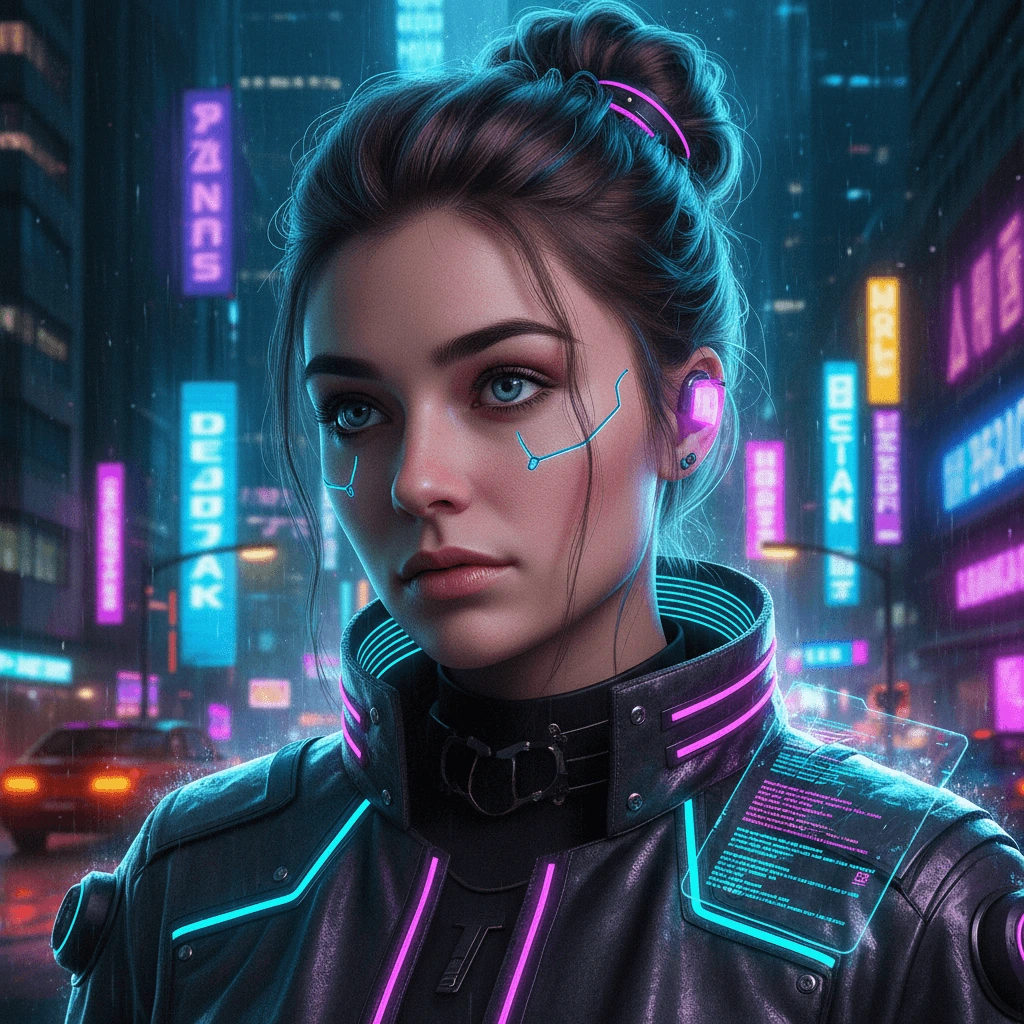
Cyberpunk Portrait
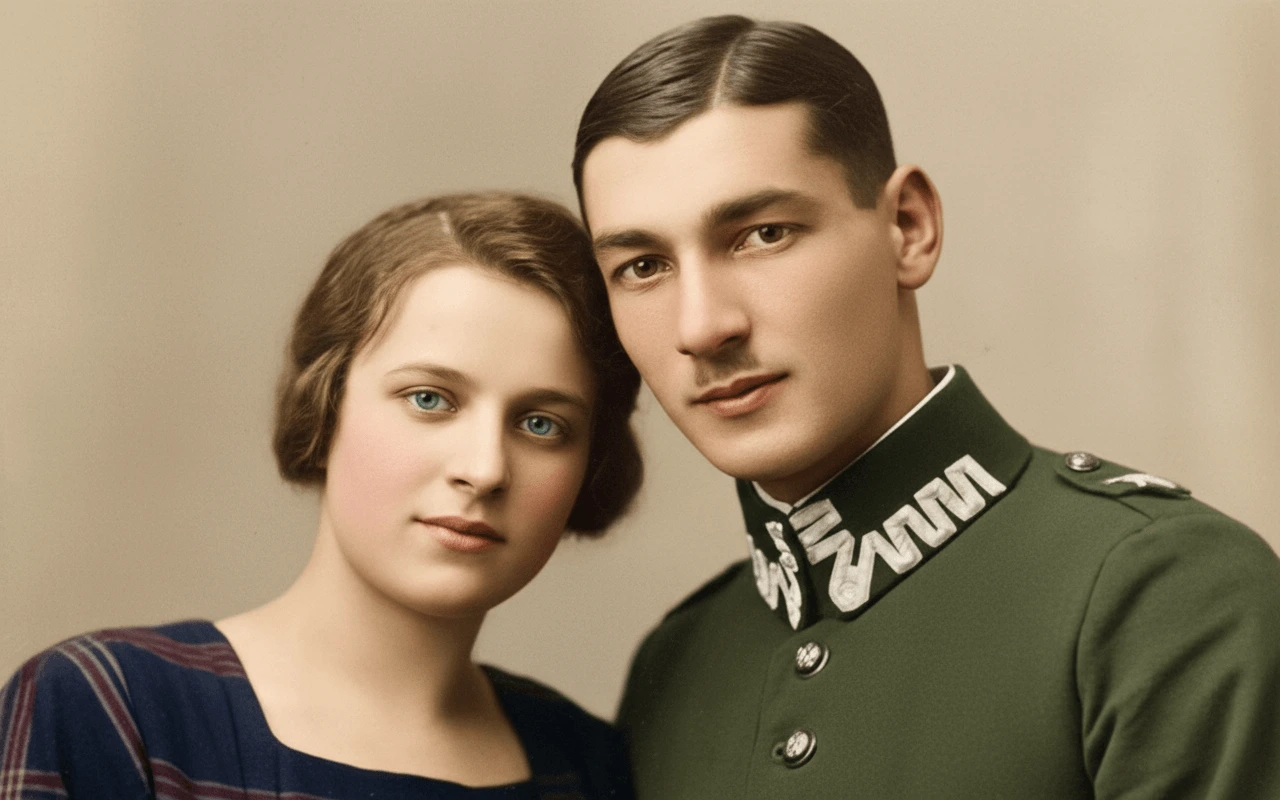
Photo Restoration and Colorization
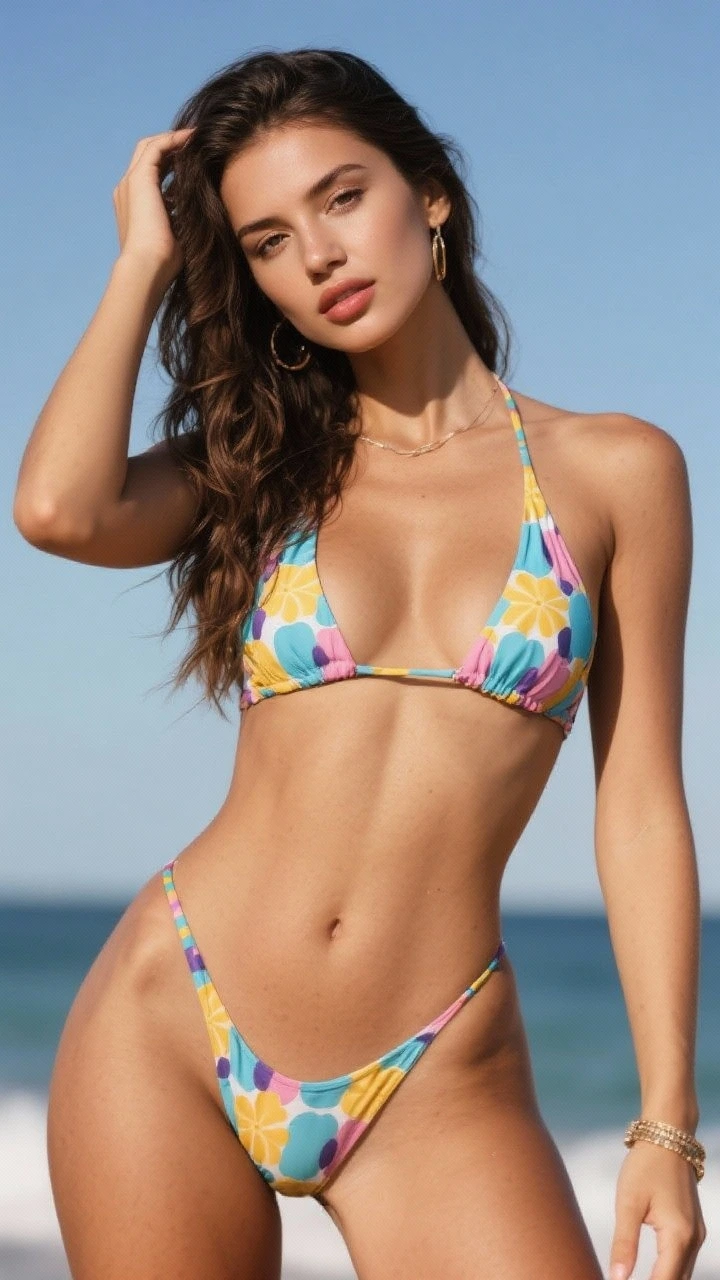
Character Reference Image
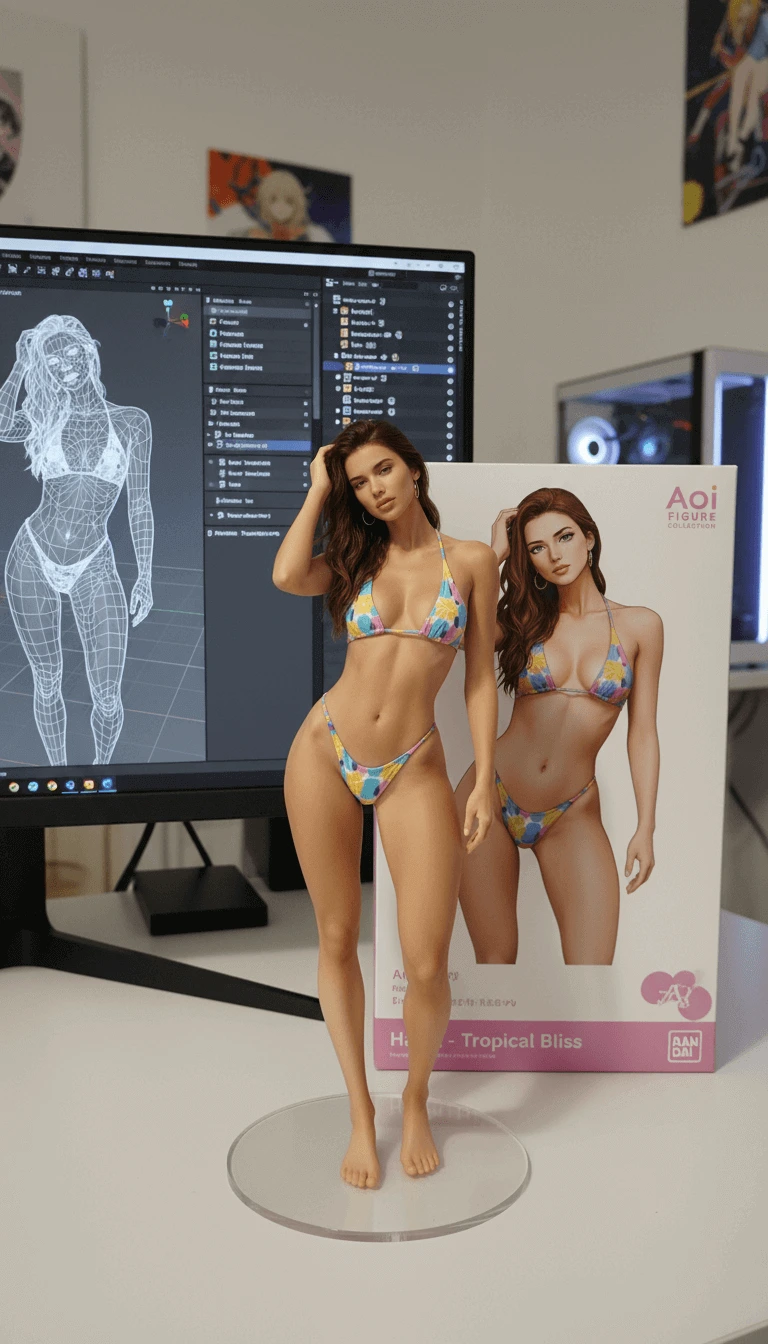
Character Product Showcase
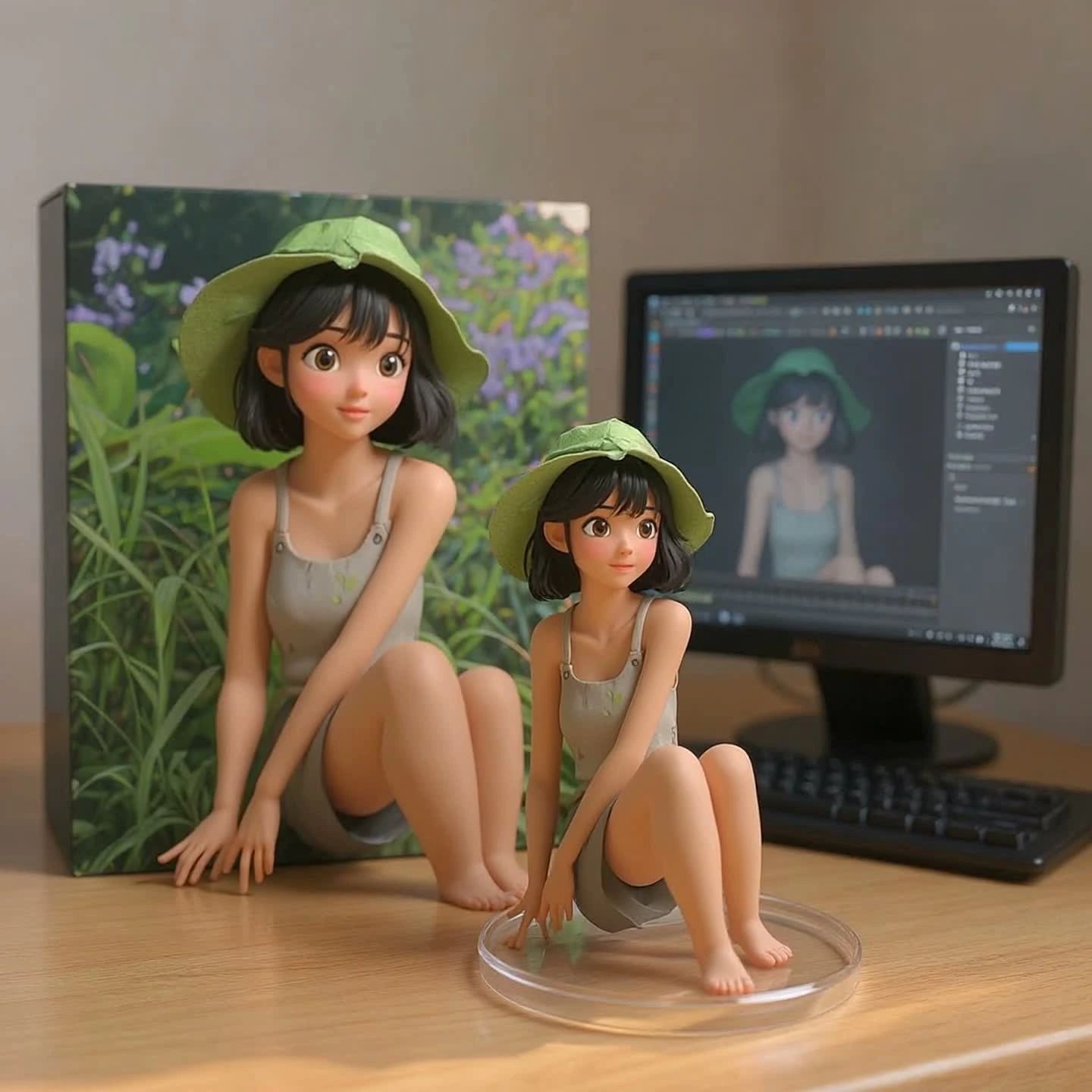
Animated Source Image Preview
From Search Query to Finished Edit
Use this four-step loop when you want a result that feels like a trend but still fits your own photo, subject, and platform.
Choose the editing target
Start with the final surface: profile DP, Instagram post, reel cover, YouTube Shorts visual, product image, or status update.
Match the crop
Use 1:1 for DP, 4:5 for posts, 9:16 for reels, and 16:9 for covers.
Keep the subject clear
A simple subject gives AI tools and mobile editors less room to drift.
Generate the prompt, then create
Use the builder to create a tool-specific prompt, paste it into the generator, and upload a reference image when identity or product detail matters.
Lock identity
For people, ask the model and generator to preserve face, hairstyle, skin tone, and outfit anchors.
Control text
Use short, readable names only when the style needs name text.
Polish inside the editor
Move the result through Lightroom, Snapseed, VN, or CapCut to fix color, captions, timing, and compression.
Tune skin and shadows
Do not let a preset crush skin tones or hide facial details.
Check safe zones
Keep captions, names, and logos away from app UI overlays.
Save the reusable recipe
Keep the prompt, preset settings, export ratio, and correction notes so the next edit starts faster.
Reuse the structure
Change the subject, season, outfit, or color palette while keeping the working prompt skeleton.
Publish cleaner files
Export high enough for social compression and avoid tiny unreadable text.
Core RSP Editing AI Search Intent
Each section maps to a search pattern people already use when they look for RSP editing AI resources.
RSP Editing AI Photo Prompts
Aesthetic DP, DSLR bokeh, festival portrait, couple, car entry, flashlight, and background expand prompts.
ChatGPT Editing Prompts
Identity-lock prompt templates for realistic portraits, posters, profile photos, and product visuals.
Gemini Photo Prompts
Gemini-friendly wording for realistic mobile edits, seasonal posts, and fast social image variations.
CapCut Edit Plans
Beat maps, hook timing, caption safe areas, and transition notes for short-form edits.
Lightroom Presets
Preset recipes for warm portraits, neon looks, bokeh edits, clean product shots, and compression-safe exports.
VN Notes and Background PNG
VN edit notes, LUT direction, QR-style template guidance, background plates, PNG overlays, and asset plans.
A Practical RSP Editing Hub
The site organizes trend discovery, prompt writing, preset tuning, and mobile export into one workflow.
Prompt ChatGPT and Gemini
ChatGPT and Gemini
Template CapCut and VN
CapCut and VN
Preset Lightroom and Snapseed
Lightroom and Snapseed
Asset Background and PNG
Background and PNG
Popular RSP Editing Use Cases
Start from the workflow section that matches the edit you want to make today.
Aesthetic Profile DP
Create a sharp social profile image with face lock, glow, name text, and clean crop.
Festival AI Portrait
Build New Year, Holi, Christmas, birthday, or regional celebration edits with readable text.
Car Entry Video
Plan a confident reel opening frame, motion direction, beat cut, and export format.
Couple Photo Edit
Use two references, preserve both identities, and create a romantic cinematic composition.
Preset-Based Portrait
Recreate warm, neon, matte, or DSLR color looks without relying on a black-box filter.
Background Change
Describe a clean plate or expanded scene that fits the original lighting and subject edge.